If your water softener still runs on the factory default, it was set for a generic house, not yours. Regeneration is the periodic flush that recharges the resin bed, and how often it runs decides how much salt and water you spend and how soft your water stays between cycles. Getting those settings right takes about ten minutes and a few weeks of notes.
A news item this week offers a small reminder of how decisions get made far from your utility room. Water Finance and Management reports that Dan Hartnett, who has been serving as interim chief executive since July, "has been selected to serve as its CEO on a permanent basis" at the Association of Metropolitan Water Agencies, effective Nov. 1, 2026. That change is national and does not alter the water coming into your home. The settings on your softener are the part you control.
Start With Your Hardness Number
Regeneration should follow how hard your water is. Hardness is usually measured in grains per gallon, and many softeners ask for that figure during setup. Your utility's annual water quality report often lists hardness for your area, and a home test kit gives a rough reading if you prefer to check your own line. If you do not know the number, find it before you change any other setting, because every other choice depends on it.
Timer or Metered: Know Which You Own
Timer units regenerate on a calendar, such as every few days, whether or not much water was used. Metered units count gallons and start a cycle when the resin is close to full. In a household with uneven use, such as one where people travel or a home office draws water on some days and not others, a metered unit usually fits better because it avoids flushing a bed that has barely been used. Check the control head or the manual to see which type you have, since the menu steps differ.
Match the Settings to Your Use
Work through the setup in this order:
First, enter your hardness figure. Second, read the water meter at the same time each day for a week, then divide the total by seven to estimate daily use. Third, set the capacity or days-between-cycles value so the unit regenerates before it runs out, with a modest margin. Fourth, set the regeneration time for when nobody is drawing water, which is often late at night. Fifth, confirm the reserve setting on your unit, since a larger reserve means the softener will not run short during a busy day.
If the household changes, such as a new baby, a guest room in regular use, or an empty house for a season, revisit the numbers. A setting that fit last year may not fit now.
Read the Signs Before You Change Anything
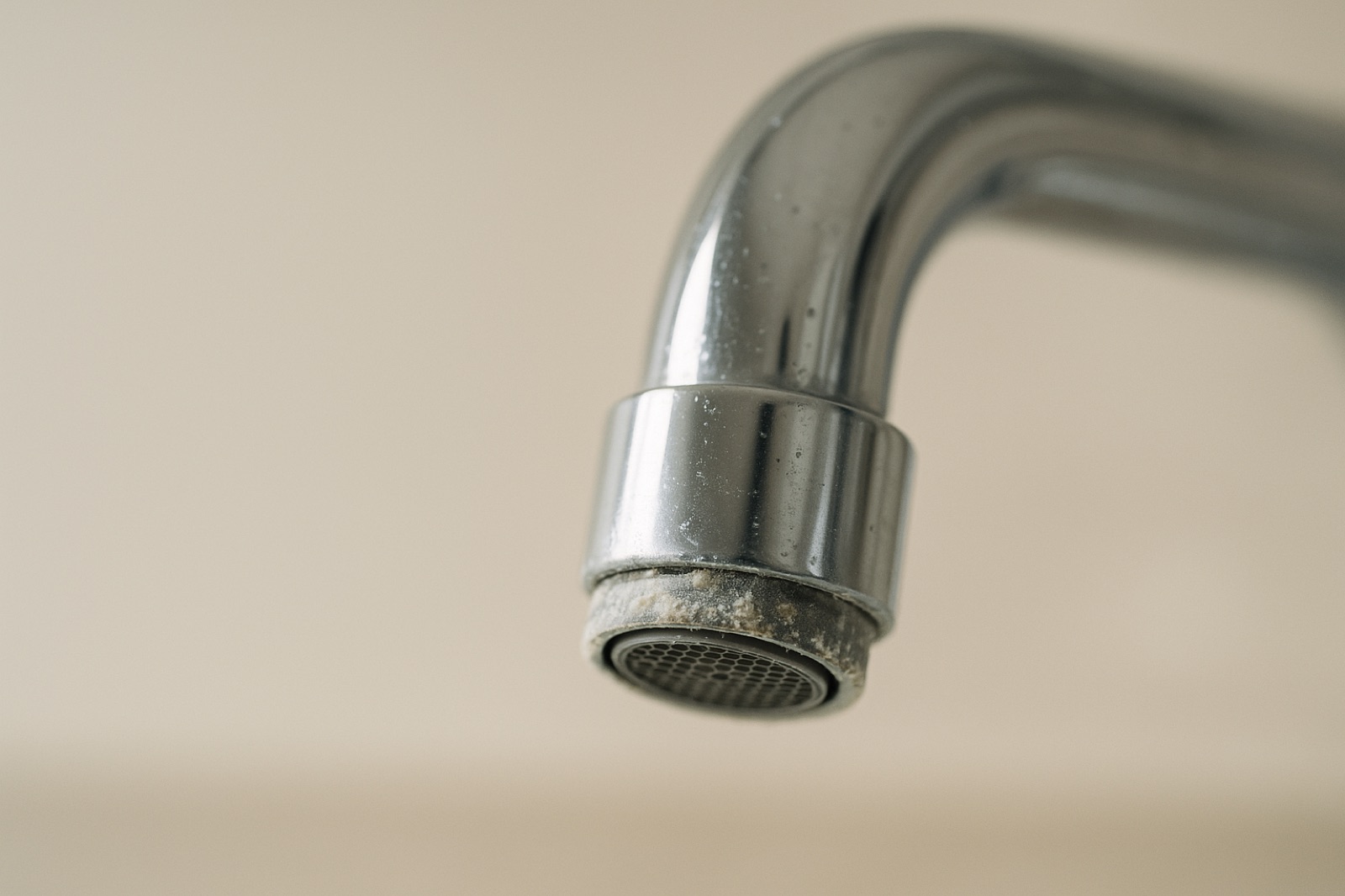
Too little regeneration usually shows up as hard-water spots on glass and fixtures, soap that refuses to lather, or a shower that feels slick and dull. Too much regeneration shows up on your bill and your salt bag, with the salt level dropping faster than you expected. Notice which pattern you see before you move the settings in either direction, and change one thing at a time so you can tell what helped.
Keep a Simple Log
Write down the date, the meter reading, the salt you add, and any changes in spotting or lather. Two months of entries will show you a pattern that a single afternoon of guessing cannot. If the log points to a problem the settings do not fix, that is the moment to call a service technician, who can check the unit and the water supply together.